Return when you need another answer.
Personal learning, one step at a time.
Grow toward what matters to you.
Start with negotiation or your own curiosity.
Tell Cadence what you want to learn. Get a course built around your goal, with short lessons you can read or listen to, practice and feedback to help you use what you learn.

Want new features first?

- About 10 minutes One focused lesson a day
- Read or listen Audio on every lesson, 4 free voices
- A clear path See the whole course before you start
- Free to start No card needed
Choose what you want to grow toward.
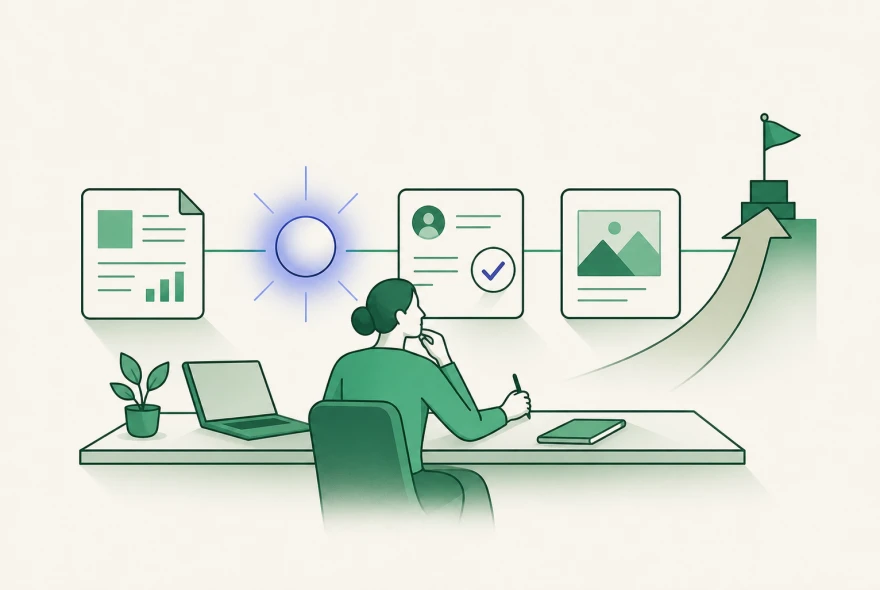
Build toward a longer-term goal by connecting courses, practice and what you try in real life. Your learning and feedback help shape the next step.
Start with a clear goal
A course can be your first step.
Start with a situation you want to handle better. These workplace courses offer a focused place to begin.
Browse all courses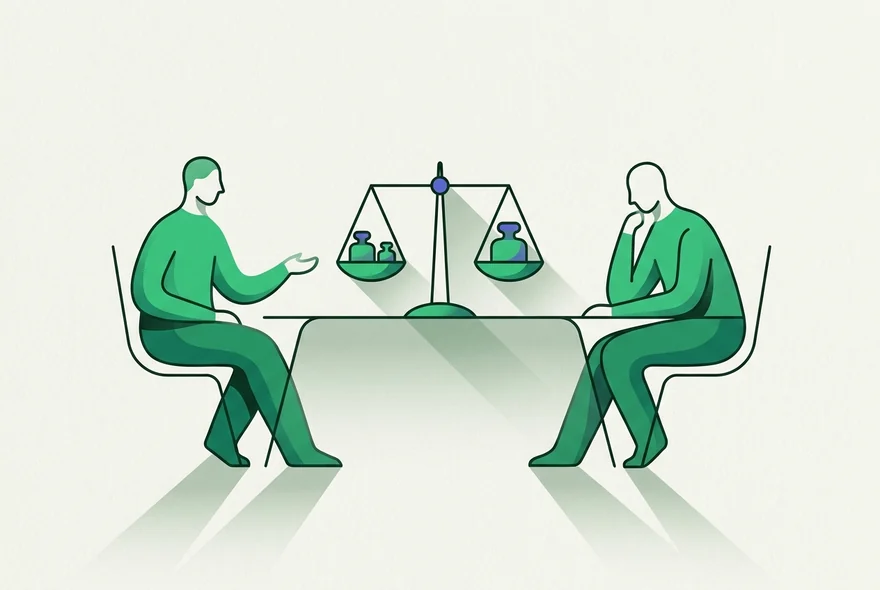 Career move
Land your next role
Turn a target role into proof, outreach, and an interview-ready search.
Career move
Land your next role
Turn a target role into proof, outreach, and an interview-ready search.
 Communication
Give better feedback
Say the hard thing clearly, without burying the point.
Communication
Give better feedback
Say the hard thing clearly, without burying the point.
 Management
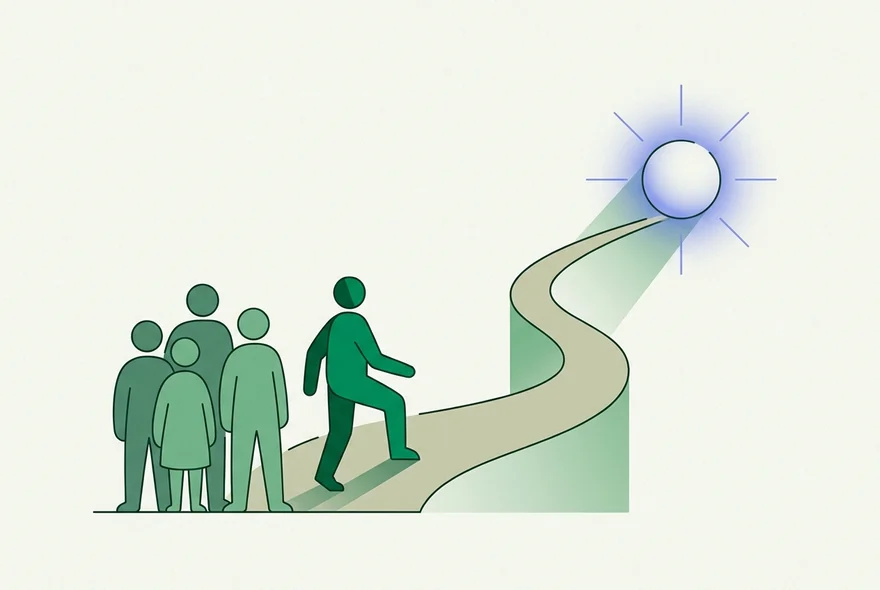
Lead your first team
Step into managing without guessing your way through.
Management
Lead your first team
Step into managing without guessing your way through.
 AI at work
AI for everyday work
Turn everyday tasks into safe, useful workflows you can repeat.
AI at work
AI for everyday work
Turn everyday tasks into safe, useful workflows you can repeat.
Practice before it is real
Practice the conversation before you have it.
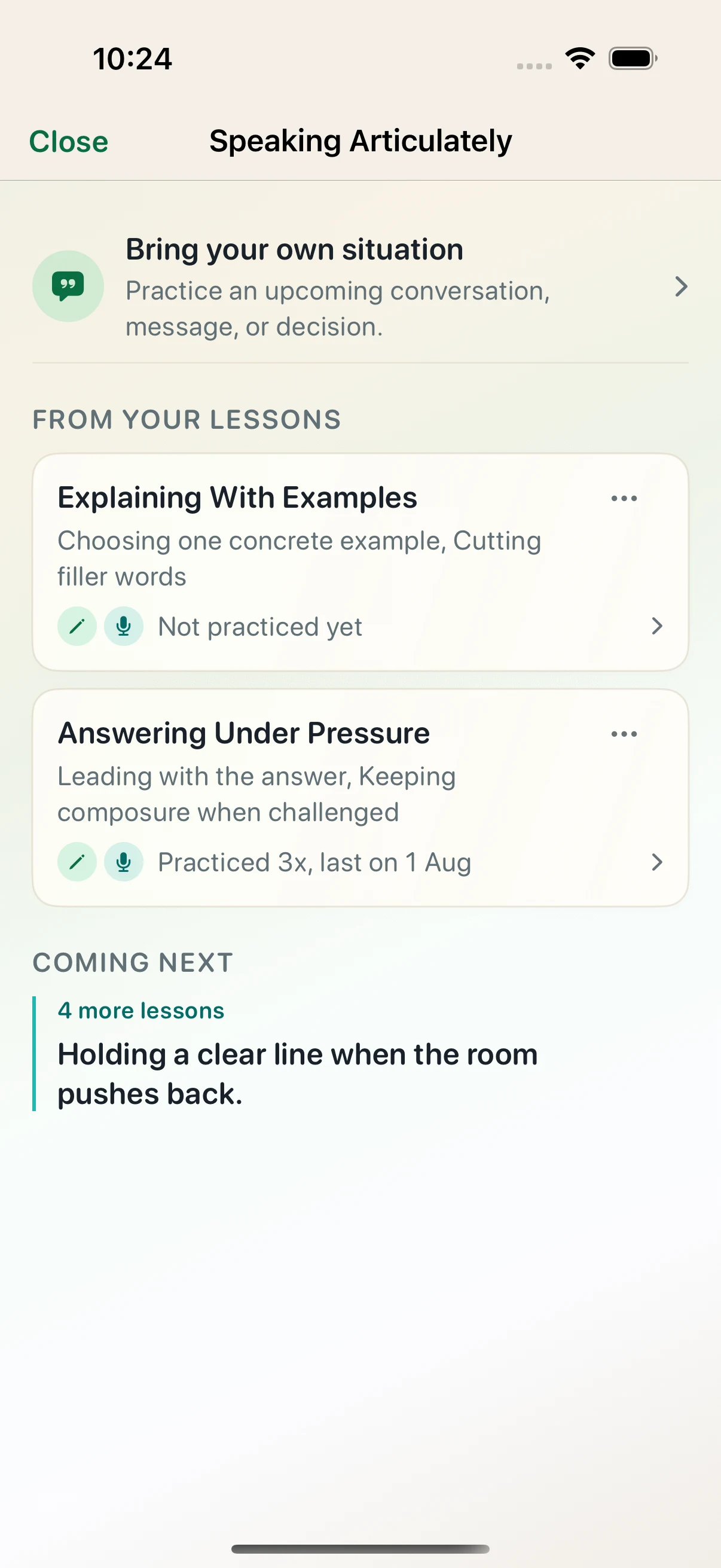
Reading about feedback or difficult conversations is only the start. Cadence gives you a realistic situation, lets you reply by typing or dictating, and responds to the words you actually use.
Or say it out loud. Live practice lets you speak with an AI practice partner, hear the reply, and get feedback on your attempt.
- 01 Start with a lesson
- 02 Reply as you would in the room
- 03 See what landed and what to try next
Example practice
Situation
A teammate challenges your plan in front of the group. Respond without becoming defensive or giving up your point.
Your reply
“I hear the concern about timing. I still recommend this approach because it keeps one owner accountable.”

Example feedback
You acknowledged the concern and gave a reason for your view. To make the reply more useful, invite one specific objection before you close the decision.
Why Cadence
Learning you can keep building on.
A chat can help you explore a question. Cadence gives your learning a place to continue, with saved lessons, practice and feedback. A course can support one part of a bigger direction, such as handling difficult conversations with confidence.
Finish Lesson 3 and Lesson 4 is next.
How it works
Start with a goal. Finish a first lesson.
Five steps from a goal to your first finished lesson. Tap a step, or drag the phone to explore.
Your first day 5 steps
Your goal Describe what you want to learn, in your own words.
Made for you
Learning shaped around you.
Your goal and setup answers help shape the course. As you learn, earlier lessons and your responses help guide what comes next.
- Starts from your situation Share what you want to learn and where you want to use it, so the lessons can use examples that fit your life.
- Connects your lessons Earlier lessons give the next one context, helping you build on ideas you have already explored.
- Adapts to how you learn How you read, listen and answer checks can guide later explanations and bring back ideas that need more practice.
Made for listening
Find your lesson voice.
Listen on a walk, on your commute, or when you would rather rest your eyes. Choose a voice you enjoy coming back to.
4 voices free. All 12 with Plus.
Included free
Try the 8 additional Plus voices
Choose or change your lesson voice in the app. Compare Free and Plus
Pricing
Free to start. Plus when you want more.
Free gives you 2 new lessons a day with audio, and the whole library of crafted courses. Plus makes new lessons, custom courses, practice, and Ask Coach unlimited, gives you 15 minutes of live voice practice a day, and adds all 12 lesson voices.
Free
The daily habit
Best for getting started.
$0
always
Download now on iPhone or Android.
Enough for a steady daily habit
- 2 new lessons a day, audio included
- The full library of crafted courses
- Build 2 new custom courses a month, from any topic you type
- 10 practice runs a month, typed or dictated
- 3 minutes of live voice practice a day
- Ask Coach, 10 messages a day
- Listen online with 4 free lesson voices
- Streaks and reminders
Reopening a lesson you already opened never counts. No account and no card. Open the app and start.

Recommended
Plus
Unlimited learning
Best for avid learners with lots to explore.
US$49.99
/ year
Save 54%
About US$4.17 / month, billed annually. Save US$57.89 compared with 12 monthly payments totaling US$107.88.
Web price in USD. App Store plans are billed separately and may differ. Stripe shows the final amount and currency before you subscribe.
Try Plus free for 7 days
For first-time web subscribers. Secure checkout by Stripe. Cancel anytime from your Cadence account.
Everything in Free, and more
- Unlimited new lessons every day
- 15 minutes of live voice practice every day
- Unlimited typed and dictated practice, including your own situations
- Ask Coach without a daily limit, whenever a lesson does not land
- Review with coach after a practice, to go through what you said and what to change
- Unlimited custom courses, whenever you want a new one
- Save generated lessons and audio for offline access
- All 12 lesson voices, including 8 more with Plus
Fair use: unlimited is for one person learning. Cadence pauses use that looks automated at a generous daily ceiling. If that ever stops you while you are learning normally, email support@learningcadence.app and it is lifted straight away.
Cadence is on the App Store and Google Play.
Download it free on iPhone or Android and start with your own goal.
Want new features first?
FAQ
Practical questions, answered plainly.
How is Cadence different from just asking AI questions?
A conversation can help you explore a question. Cadence is designed to support learning over time through lessons, practice, feedback and saved progress. Courses are one part of that approach. The direction and journey experience connects learning around a longer-term goal and suggests what to try next. If you are unsure which approach fits, ask ChatGPT whether Cadence suits your goal. The question is prefilled and you can edit it before sending.
How does Cadence create its lessons?
Cadence uses AI to create lessons, practice and Coach replies around your goal. AI can make mistakes, so check important facts before relying on them. If something looks wrong, email support@learningcadence.app so we can investigate.
Is Cadence only for career skills?
No. The workplace examples here are starting points. You can bring your own curiosity, question or personal goal, and Cadence builds a course around what you want to learn.
What if I get stuck inside a lesson?
Highlight the exact sentence that is not landing and tap Ask Coach, or open Ask Coach inside any lesson. Either way you get a clear answer right there, grounded in what you are reading, without leaving to go ask a separate chatbot.
Can I practice difficult conversations?
Yes. Practice can open after your first lesson, depending on the course. Open Practice inside your course to see what is available. Type or dictate your reply, or speak it out loud with a practice partner on exercises that suit it, then get feedback on the words you used. You can also bring a real conversation, message, or decision you want to rehearse.
Can I listen to lessons instead of reading?
Yes. Listen online with 4 free lesson voices: Mia, Finn, Ella, and Kai. Mia is the default, and you can preview and change your voice in Settings. Plus adds 8 more voices, giving you all 12, and lets you save generated lessons and their audio from Course details for offline access.
Does Cadence adapt to me?
Your goal and setup answers help shape the course and its examples. Earlier lessons give later ones context. As you complete lessons, how you read, listen and answer checks can help guide later explanations and revisit ideas that need more practice.
Do I have to pick from the ready-made courses?
No. Ready-made courses help when you are not sure where to begin, but you can type your own topic and Cadence builds the course around it.
How long are the daily lessons?
About ten minutes per lesson, with 7 to 30 lessons in a course. Learn a little each day or stay longer when you want to explore. Free includes 2 new lessons a day; Plus offers unlimited new lessons under fair use. You can revisit opened lessons on either plan.
What will Plus cost, and what stays free?
Free gives you 2 new lessons a day with audio, the full library of crafted courses, 2 new custom courses a month, 10 practice runs a month, 3 minutes of live voice practice a day, 10 Ask Coach messages a day, 4 lesson voices, streaks, and reminders. Reopening a lesson you already opened never counts. Plus makes new lessons, custom courses, typed and dictated Practice, and Ask Coach unlimited, and gives you 15 minutes of live voice practice a day. Plus adds 8 more voices, for 12 in total, can save generated course lessons and their audio for offline access, and lets you review a finished practice with the coach. Unlimited is for one person learning. Cadence pauses use that looks automated at a generous daily ceiling. If that ever stops you while you are learning normally, email support@learningcadence.app and it is lifted straight away. On the website, Plus is US$49.99 a year, about US$4.17 a month, or US$8.99 a month. Annual saves 54%. First-time web subscribers receive a 7-day trial. Stripe shows the final amount, currency, trial end date, and renewal date before you subscribe. You can manage or cancel web billing from your Cadence account. Cancellation stops renewal, Plus stays active through the paid period, and the Free plan resumes after that. Plus is also available in the iPhone and Android apps, with separate in-app pricing and App Store or Google Play billing.
Is Cadence available now?
Yes. Download Cadence free from the Apple App Store on iPhone or from Google Play on Android. If you want new features before they reach everyone, you can also join early testing.
Support
Need help with Cadence?
A small note
If you write in, tell us what you are trying to solve or understand too. That helps us respond faster.
Cadence
A note from the founder
A world-class education for anyone, one day at a time.
I believe anyone can learn anything. What usually stops us isn't ability. Learning on our own has no structure, so we start strong, lose the thread and stop. That's true whether your days are packed with work and family or wide open.
I'm building Cadence to give you that structure. Tell it what you want to learn and it builds a clear path through the subject, lesson by lesson. Learn a little on a busy day, or keep going for hours when you're curious. Cadence helps you learn steadily and practice what you learn, with feedback along the way, so it truly sticks.
Good teaching still depends on where you study, where you work and who has time to help. AI gives us a chance to change that. My dream is a world-class education for anyone, in any subject, at any time. Maybe you want to speak more clearly, really understand history, take control of your money, or understand how your mind works.
That means teaching you in the way that works best, not only the way that feels easiest. We work hard to get that right, so the time you give Cadence turns into real understanding.
I'll know Cadence is working when someone arrives with a goal and reaches it. I'll keep building until Cadence is the best place anyone can go to learn.
Start with what matters to you, and let Cadence help you become who you want to be.
Tim
P.S. What do you want to learn first?
Available on iPhone and Android.
Take a first step toward what matters to you.
Download Cadence free from the App Store or Google Play.
Want new features first?